
Launch Missiles in This Fast-Paced iPhone Game
Overview
Missiles is a fast-paced, arcade-style game designed for iPhone users seeking quick bursts of adrenaline and playful challenge. The game centers around a simple yet engaging premise: launching a missile as far as possible by controlling its speed through rapid tapping. Players are tasked with mastering the timing and rhythm of two on-screen buttons to accelerate the missile’s trajectory. The core mechanic rewards precision and speed, making it a test of reflexes and coordination rather than complex strategy.
Targeted at casual gamers and fans of minimalist mobile games, Missiles offers a no-frills experience that emphasizes immediate feedback and replayability. It is ideal for short sessions during breaks or commutes, providing a distraction-free environment where players can focus solely on improving their score. Real-world usage scenarios include quick gaming sessions between tasks, competitive play with friends via online leaderboards, or simply exploring the limits of human tapping speed.
The developer did not provide additional background information. However, the game’s design suggests a focus on simplicity, accessibility, and addictive gameplay loops. With no in-app purchases or subscriptions, the game remains entirely free, allowing users to engage without financial commitment. The lack of complex menus or tutorials ensures that players can begin playing instantly, making it suitable for a broad audience across age groups.
Key Features & Capabilities
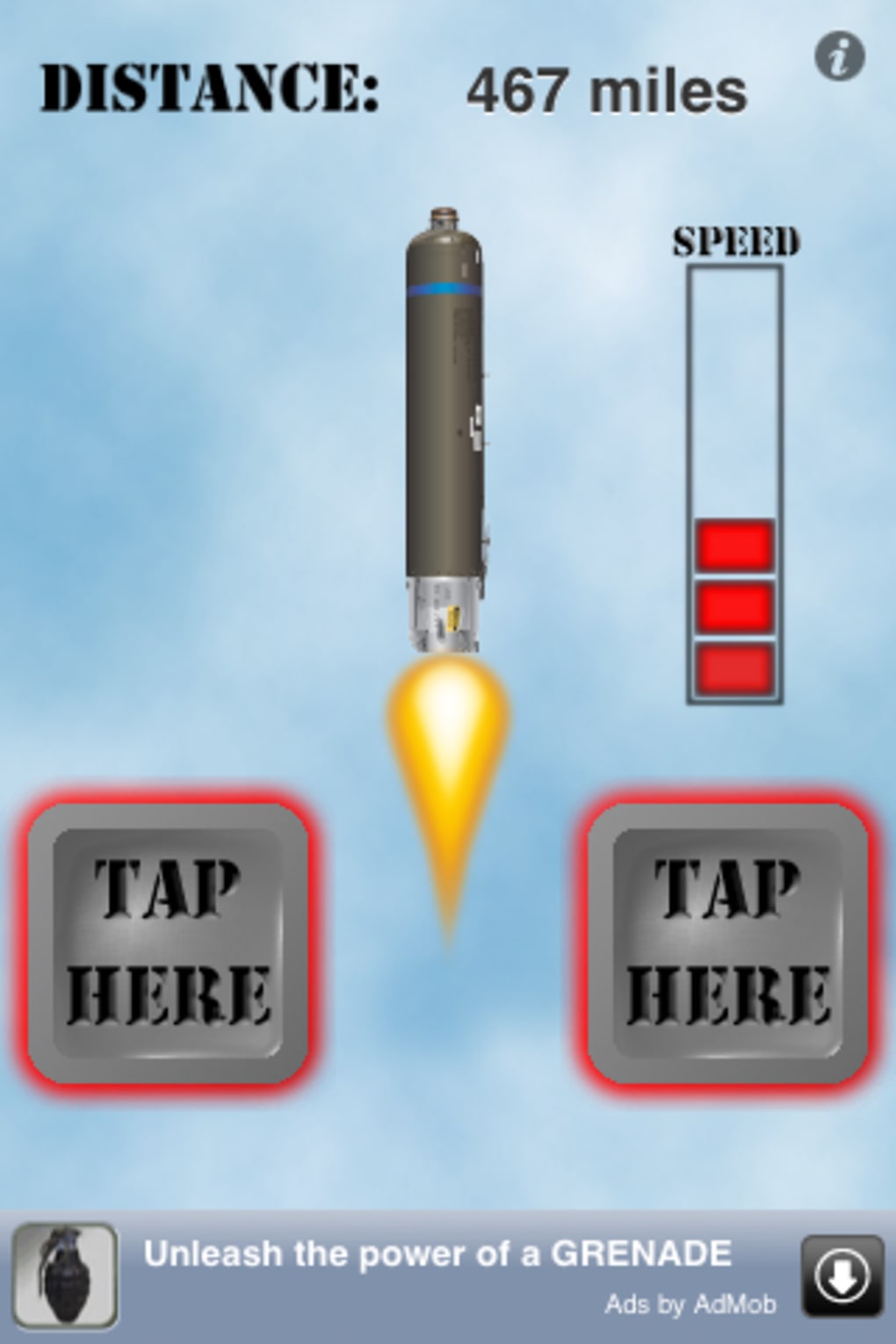
- Real-Time Speed Control – Players manipulate missile velocity by tapping two on-screen buttons in rapid succession. The faster the tapping, the greater the acceleration, creating a direct link between user input and in-game performance.
- Online Leaderboard Integration – After each round, users can submit their scores to a global leaderboard, enabling competition with other players worldwide and encouraging repeated play to achieve higher rankings.
- Progressive Difficulty Through Skill – While the game mechanics remain consistent, the challenge lies in refining timing and rhythm. Higher scores require improved coordination, making it a skill-based experience rather than one dependent on power-ups or upgrades.
- Minimalist Design & Instant Play – The interface is stripped down to essential elements, minimizing distractions. There are no complex menus, tutorials, or settings, allowing users to start playing immediately after installation.
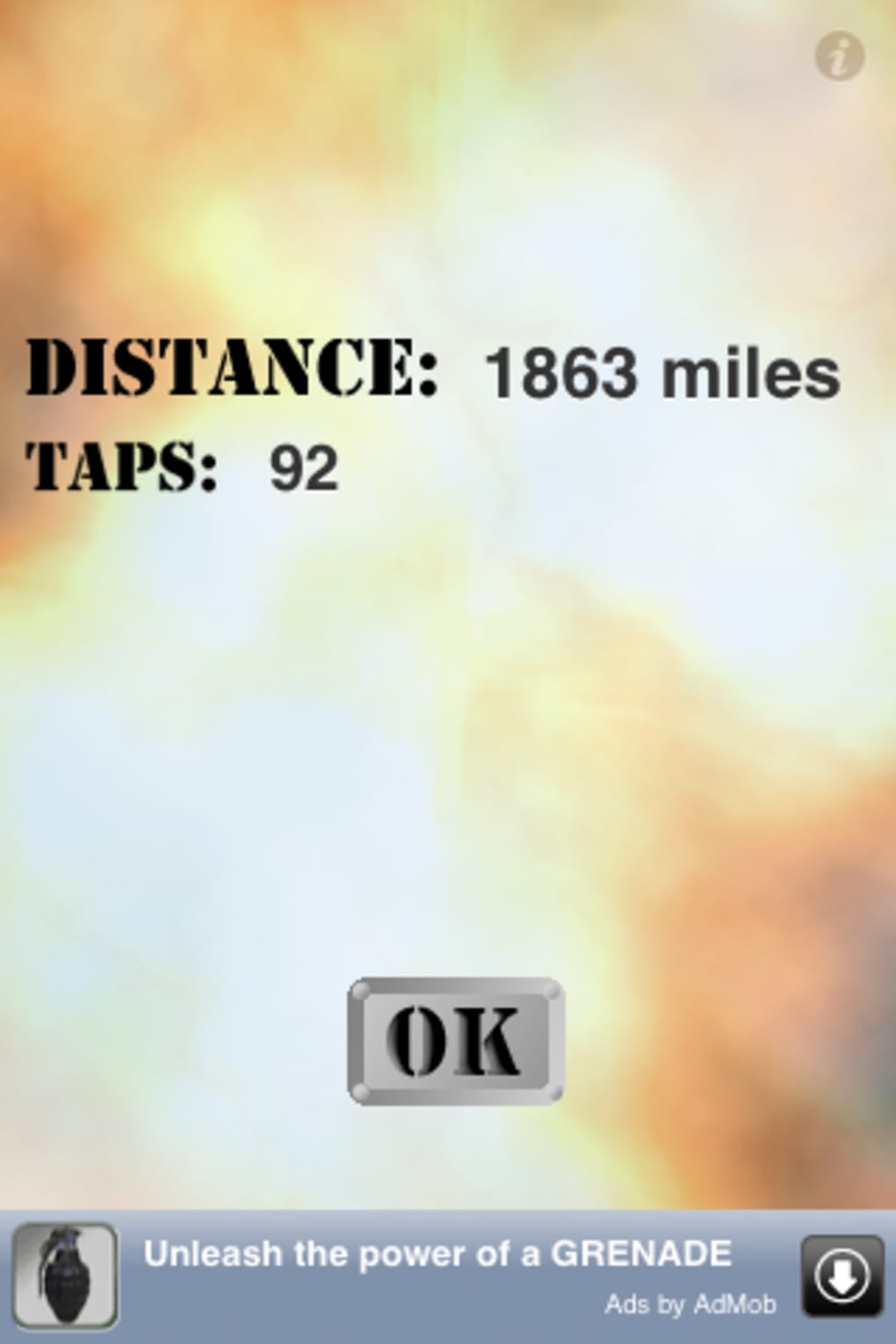
- Replayability & Score Tracking – Each session ends with a score summary, and users can track personal bests over time. This feature supports long-term engagement by giving players a tangible goal to surpass.
These features support a gameplay loop built on immediate feedback and incremental improvement. For example, a user might aim to beat their previous score by refining their tapping rhythm, or compare their performance against others in the online rankings. The game’s structure encourages experimentation with different tapping patterns, promoting both casual enjoyment and focused practice.
User Interface, Workflow & Performance
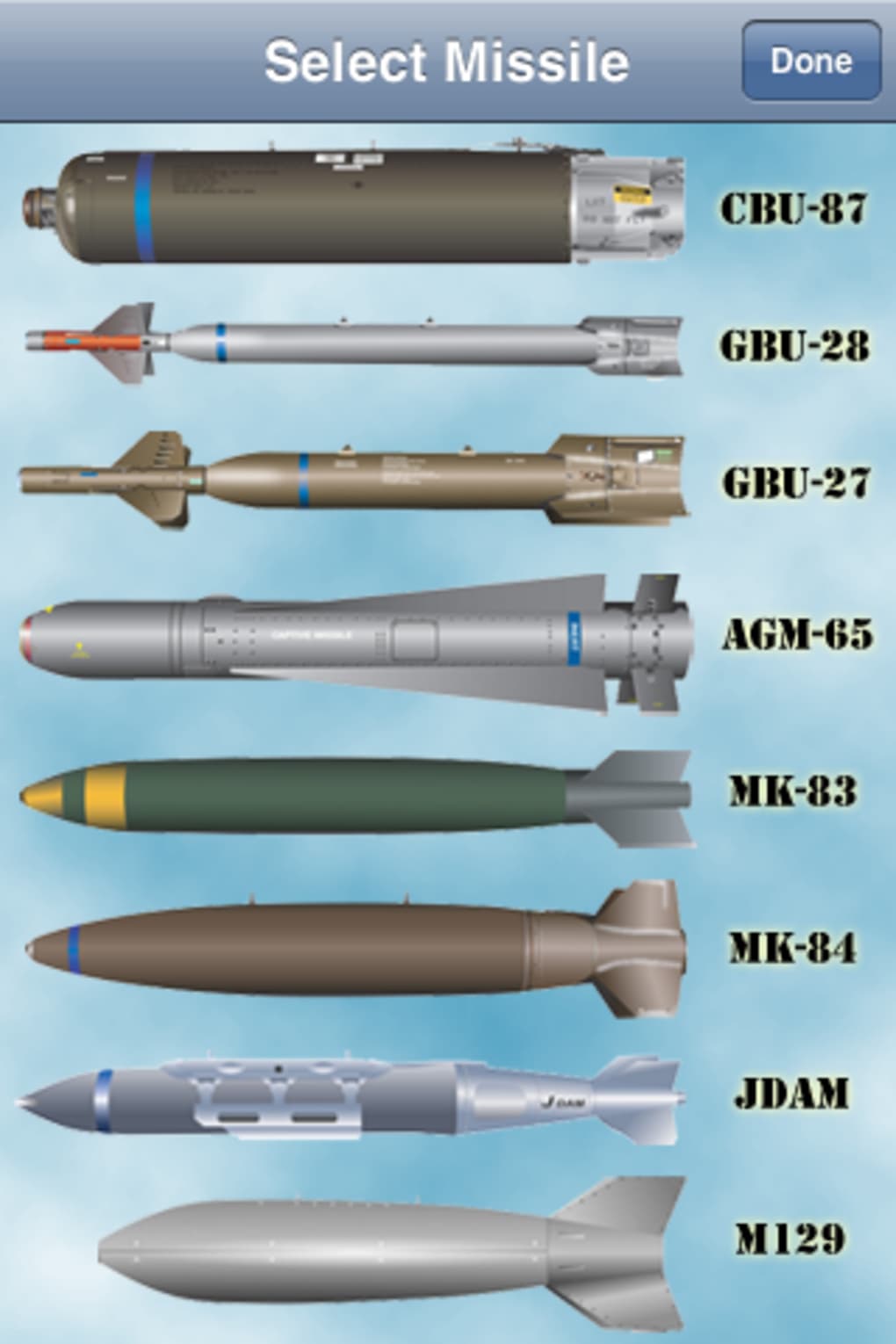
The user interface of Missiles is intentionally minimal, focusing on a single screen with two primary buttons and a missile trajectory display. Navigation is limited to tapping the designated controls, with no secondary menus or settings to navigate. This streamlined approach ensures that users can engage with the game without learning complex controls or managing multiple layers of interaction.
Workflow efficiency is high, as the game begins immediately after launch, requiring no setup or configuration. The entire experience is contained within a single screen, reducing cognitive load and allowing players to concentrate on performance. There are no interruptions from ads or in-app purchase prompts, which contributes to a smooth and uninterrupted session.
Performance observations are based on general software behavior patterns. The developer did not specify resource usage details. However, given the game’s lightweight design and 150MB installation size, it is expected to run efficiently on supported iPhone models. Stability appears consistent with typical iOS applications, and the absence of reported crashes suggests reliable operation during gameplay. The game does not rely on constant internet connectivity, allowing for offline play, though leaderboard access requires an active connection.
Compatibility & System Requirements
Missiles is designed exclusively for iPhone devices. The software version is 1.0, and the installation size is 150MB. Platform compatibility information is limited to the iPhone operating system. The developer did not specify exact system requirements, including minimum iOS version or hardware specifications.
Exact system requirements were not listed. However, based on the game’s size and design, it is likely compatible with recent iPhone models. Users should ensure their device runs a current version of iOS to avoid potential issues. Compatibility with older devices is uncertain without further details. The game does not support Mac or other platforms, and no cross-device synchronization is mentioned.
Pros and Cons
Pros
- Free to download and play with no in-app purchases
- Simple, intuitive controls that require no learning curve
- Instant gameplay with no setup or configuration
- Engaging online leaderboard for competitive play
- Minimalist design reduces distractions and enhances focus
Cons
- Limited replay value after mastering the core mechanic
- No visual or audio customization options
- Online features require internet access
- Gameplay may become repetitive over time
- Exact system requirements not publicly available
FAQ Section
Is Missiles available for free?
Yes, Missiles is completely free to download and play. There are no in-app purchases or subscription fees.
Can I play Missiles offline?
Yes, you can play the game without an internet connection. However, submitting scores to the online leaderboard requires an active internet connection.
Does Missiles require a specific iPhone model?
The developer did not specify supported iPhone models or minimum iOS version. The game is designed for iPhone, but compatibility with older devices is not confirmed.
Is the game safe to download and use?
As a free app from the App Store, Missiles is subject to Apple’s review process. It does not require unusual permissions and poses no known security risks.
How often are updates released?
There is no public information about update frequency. The current version is 1.0, and no future release schedule has been announced.
Final Thoughts & CTA
Missiles delivers a uniquely simple yet compelling experience that taps into the thrill of high-speed control. Its core mechanic—accelerating a missile through rapid tapping—is both intuitive and surprisingly challenging. While the novelty may fade for some after a few sessions, the game excels in providing short, satisfying gameplay bursts ideal for casual users.
With no financial cost and a straightforward design, it stands out as a solid choice for anyone seeking a quick, no-commitment game on iPhone. The online leaderboard adds a layer of competition, encouraging repeated play to beat personal bests or climb the ranks.
For fans of minimalist arcade games and those who enjoy testing their reflexes, Missiles offers a refreshing alternative to complex mobile titles. Its focus on pure mechanics over graphics or narrative makes it a standout in the free game category.
Download Missiles now







